AI toolsGoogle AI · 1/337 seconds
How to use Google Flow from a single image
One reference image, one simple action, three settings. The 8-second shot costs 12 credits — and one detail drifts anyway.
In short
A single image of ARGO is given to Google Flow as an ingredient, with one simple action to perform: take a step forward, then put a bottle down.
Flow returns an eight-second vertical shot for twelve credits. The character holds; one object does not.
What you'll learn
- A reference image guides a character's identity, it does not lock every detail.
- One concrete action is easier to control than a scene described in three sentences.
- Run the first attempt at a single variation: the cost is known before you multiply it.
Step 1 / 5
The result first
The shot at the top of the episode is the raw file that came out of Flow, untouched: eight seconds, 720 × 1280, 24 frames per second.
It is the only proof that counts, and it comes before the method.
Step 2 / 5
Step 1 — add the image
The project is created in 9:16 from the start, with credit-spend confirmation set to "Always".
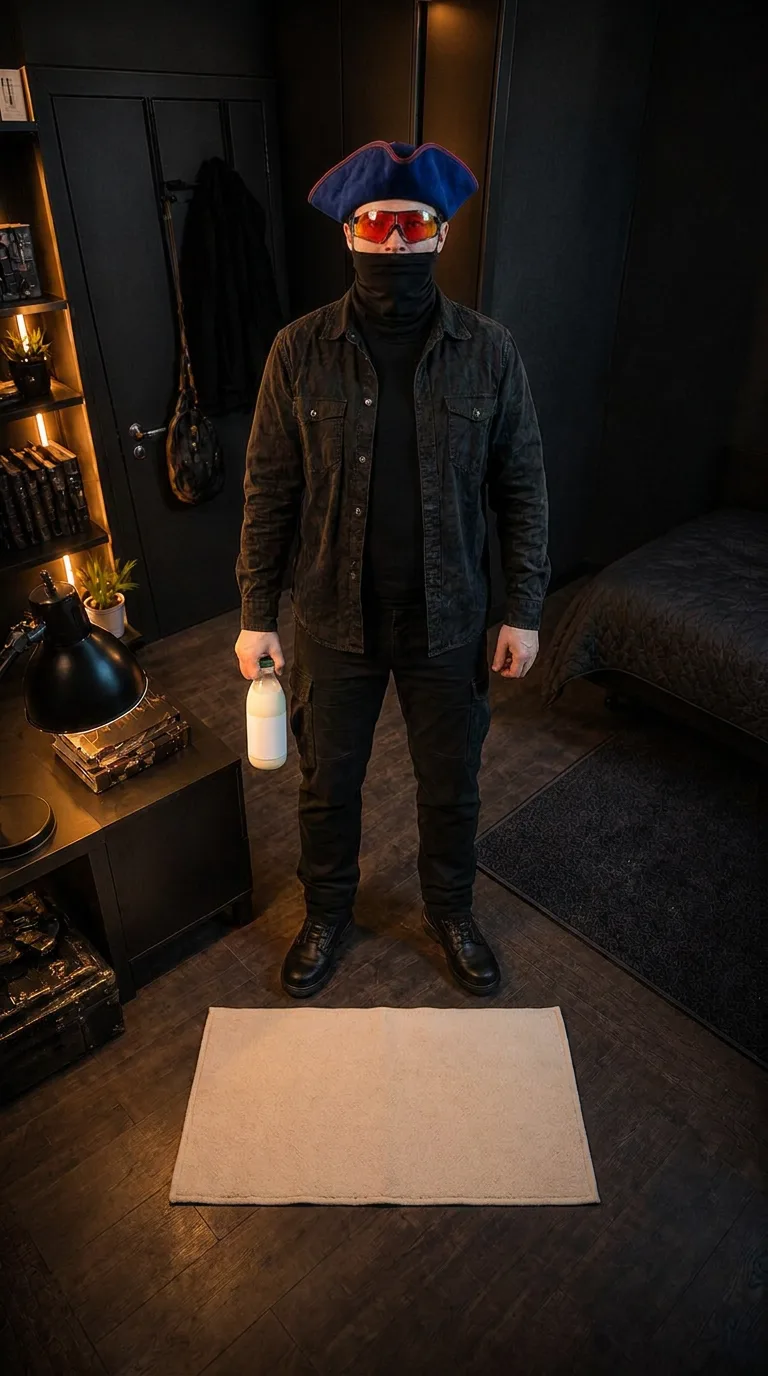
The reference image is attached as an Ingredient. It shows ARGO full-body, bottle already in hand, with room for a movement.
Step 3 / 5
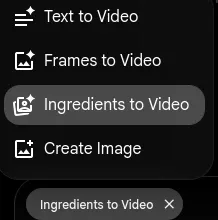
Step 2 — write one simple action
The prompt describes a single action in two beats: ARGO takes one step forward, then places the bottle on the cabinet.
The rest of the text locks what must not change — costume, glasses, mask, room, lighting — and forbids what must not appear: dialogue, text, extra people.
Step 4 / 5
Step 3 — the settings
Video mode, 9:16, eight seconds, a single variation, Omni Flash model.
Flow announces the cost before it runs: twelve credits for this attempt.
Step 5 / 5
What holds and what drifts
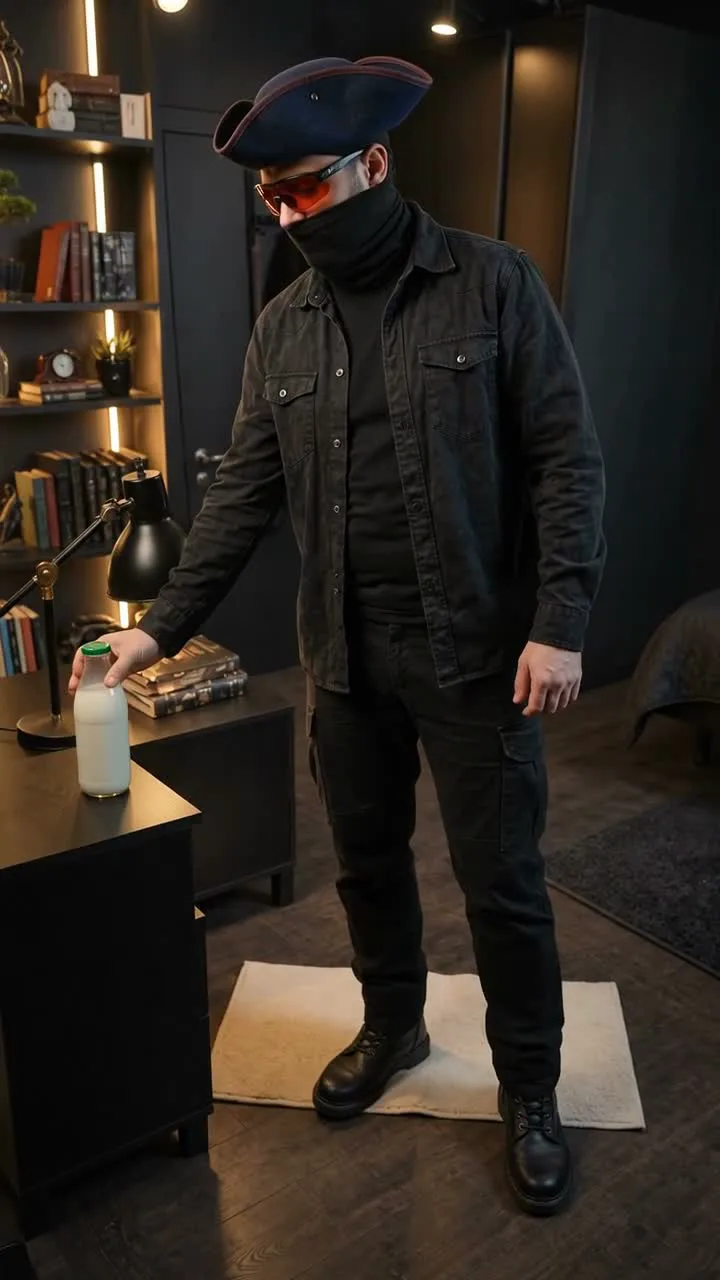
Across the eight control frames ARGO stays recognisable: tricorn, glasses, mask and outfit are stable. No extra hand appears, and the movement stays slow and readable.
The bottle does change: it looks more like an opaque container with a green cap than the glass bottle in the source image.
What came out
- A usable vertical shot on the first generation: H.264, 720 × 1280, 24 fps, 8.00 s.
- Real cost of the attempt: twelve credits, one variation, Omni Flash model.
- No second generation was paid for: V1 went straight to the edit.
What went wrong
- The glass bottle from the source image becomes an opaque container in the generated shot: the reference did not lock that object.
- Flow briefly showed the generation as "Failed" before resuming normally up to 100%.
- The prompt field is a rich editor: injecting a value by script does not always enable the "Create" button. Real typing is still required.
- The audio track produced by Flow is unusable as is and has to be cut or replaced in the edit.
Sources
- https://aihackers.net/posts/google-flow-veo-2026/
https://aihackers.net/posts/google-flow-veo-2026/
- https://bestapp.vn/blog/google-flow-la-gi
https://bestapp.vn/blog/google-flow-la-gi
- https://support.google.com/flow/answer/16353334
https://support.google.com/flow/answer/16353334
Behind the scenes
This episode came out of a pipeline, not twelve browser tabs.
Research, script, shots, media, editing, checks and publishing kit: ARGO Studio holds everything that produced this video.